
How to Install and Run Codex CLI on Linux
By CodeAgentSwarm · Updated September 29, 2026
Quick answer: install Codex CLI on Linux
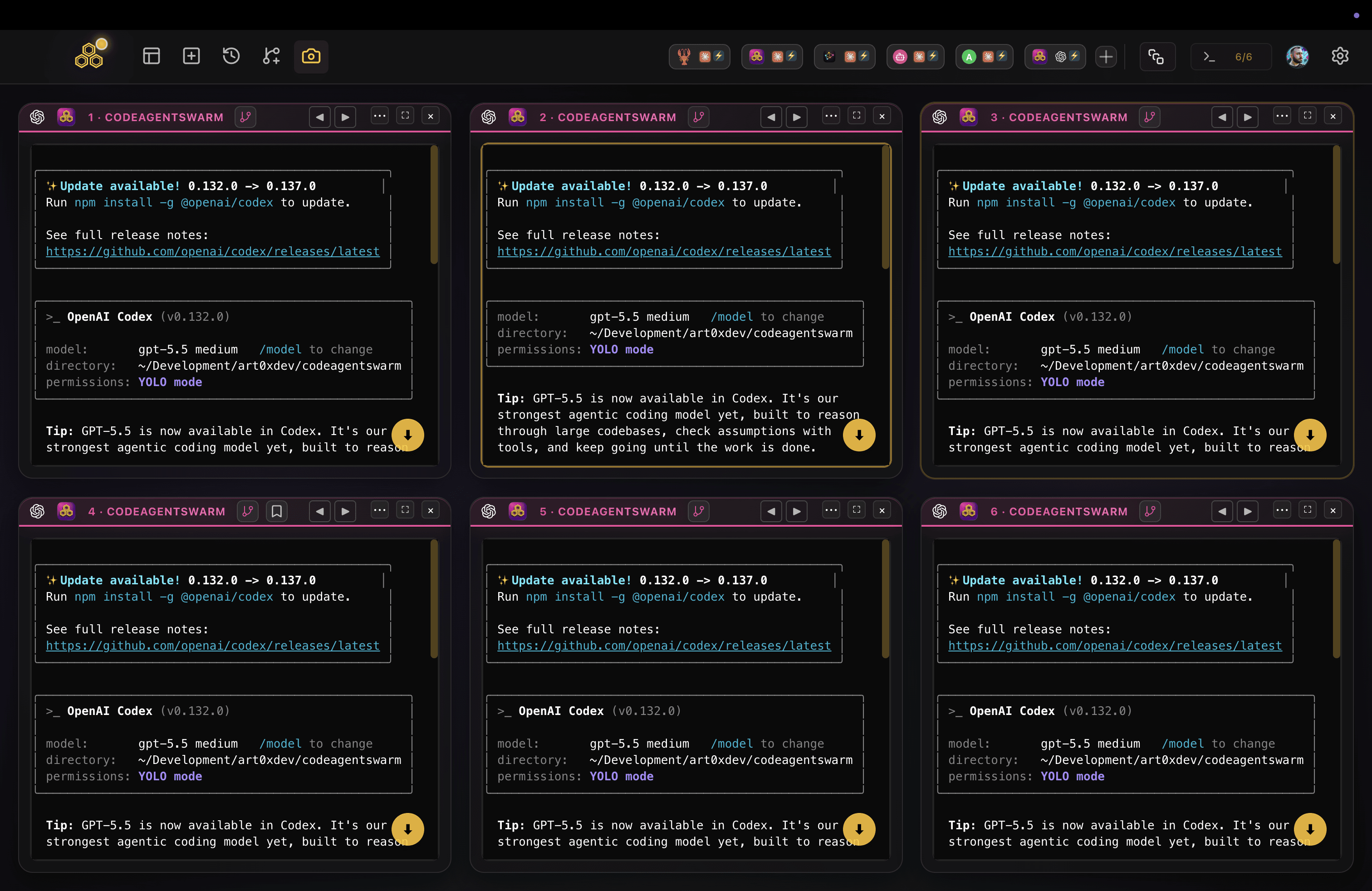
Quick answer: run the official install script, open a new terminal, then run codex inside a project and pick how to sign in.
# Official install script (no Node.js needed)
curl -fsSL https://chatgpt.com/codex/install.sh | sh

# Or with npm, if you already have Node.js
npm install -g @openai/codex

# Verify and start
codex --version
cd ~/my-project
codex
Codex is also available through Homebrew on Linux and as prebuilt binaries. Install options change from time to time, so check the official Codex CLI docs for the current list.
Requirements
- A 64-bit Linux on x64 or ARM64. Ubuntu, Debian and Fedora all work.
- Node.js only if you install through npm. The install script and the binaries do not need it.
- A ChatGPT plan that includes Codex, or an OpenAI API key.
- Git is strongly recommended: work inside a repository so every change Codex makes is easy to review and undo.
Signing in, including over SSH
The first time you run codex it asks how to sign in: with your ChatGPT account or with an API key. On a desktop, choosing ChatGPT opens the browser and returns to the terminal on its own.
On a server, a container or an SSH session, the browser callback cannot reach the CLI. Use device authentication instead:
codex login --device-authOpen the link it prints on any device, sign in, and type the one-time code. Some ChatGPT workspaces must enable device code login in their security settings first. If it is not available, the authentication docs list the fallbacks.
What about the ChatGPT desktop app on Linux?
OpenAI has released its ChatGPT desktop app for Linux as a preview, and it includes Codex. It targets Ubuntu, Debian and Fedora on x64 and ARM64, and some features, such as Computer Use, are not available on Linux yet. If you want OpenAI's own app, it is worth a try.
CodeAgentSwarm is not a replacement for it. It is built around the Codex CLI you just installed: several Codex terminals at once, next to Claude Code and other agents if you use them, with one place to see which agent is done and what each one changed.
Common Linux errors and how to fix them
- "codex: command not found": the install folder is not on your PATH yet. Open a new terminal first. With npm, run
npm prefix -gand make sure itsbinfolder is on your PATH. - EACCES errors with
npm install -g: do not use sudo. Install Node.js with nvm, or point npm at a folder you own withnpm config set prefix ~/.npm-globaland add~/.npm-global/binto your PATH. Or skip npm and use the install script. - Login hangs on a remote machine: the browser callback cannot reach the server. Use
codex login --device-auth. - Wrong account or expired session: run
codex logout, thencodex loginagain.
Running several Codex sessions on Linux
Once Codex works, one terminal quickly feels slow: you give it a task and wait. More tabs or a tmux layout help, until you forget which session finished, which one is waiting for an approval and what each one touched.
CodeAgentSwarm is a desktop app for running several agent terminals at once, and it now runs on Linux as a .deb (Ubuntu, Debian and derivatives) or an AppImage (Fedora and most other distros), for x64 and ARM64. You pick Codex in each terminal and get desktop notifications when an agent finishes or needs input, searchable history across sessions and a live diff per terminal.
Next steps: running a Codex agent swarm and running multiple Codex sessions. Want Claude Code on the same machine? See Claude Code on Linux.
Conclusion
Codex CLI on Linux is one script or one npm install away. Sign in with ChatGPT on a desktop or with device auth on a server, work inside a git repository, and when one terminal is not enough, run several side by side in CodeAgentSwarm.
FAQ
Does Codex CLI work on Linux?
Yes. OpenAI Codex CLI runs natively on Linux, on x64 and ARM64. You can install it with the official install script, with npm, with Homebrew or from prebuilt binaries.
How do I install Codex on Ubuntu?
Run "curl -fsSL https://chatgpt.com/codex/install.sh | sh", open a new terminal and run "codex" inside a project folder. If you already use Node.js, "npm install -g @openai/codex" works too.
How do I log in to Codex on a headless Linux server?
Run "codex login --device-auth", open the printed link on any device, sign in and enter the one-time code. Some ChatGPT workspaces need to enable device code login in their security settings first.
Is there a Codex desktop app for Linux?
OpenAI's ChatGPT desktop app, which includes Codex, is available for Linux as a preview. CodeAgentSwarm is a separate desktop app that runs your Codex CLI in several terminals at once, alongside other agents.
Does CodeAgentSwarm work on Linux?
Yes. CodeAgentSwarm runs on Linux as a .deb for Ubuntu, Debian and derivatives or as an AppImage for Fedora and most other distros, on x64 and ARM64. It uses your existing Codex CLI install.