
Grok Build Agent Swarm: Run Multiple grok Terminals
By CodeAgentSwarm · Updated August 23, 2026
grok sessions working at once: one migrating a service, another writing tests, a third reviewing diffs. Each session is its own process with its own context. That is different from Grok Build's native subagents, which stay inside one parent session.
Grok Build is xAI's coding CLI (the grok command), not the consumer Grok chatbot and not unaffiliated community grok-cli packages.
This guide is the pillar for parallel Grok Build: plain tabs, tmux, and CodeAgentSwarm, plus when to lean on native subagents instead.What counts as a Grok Build swarm?
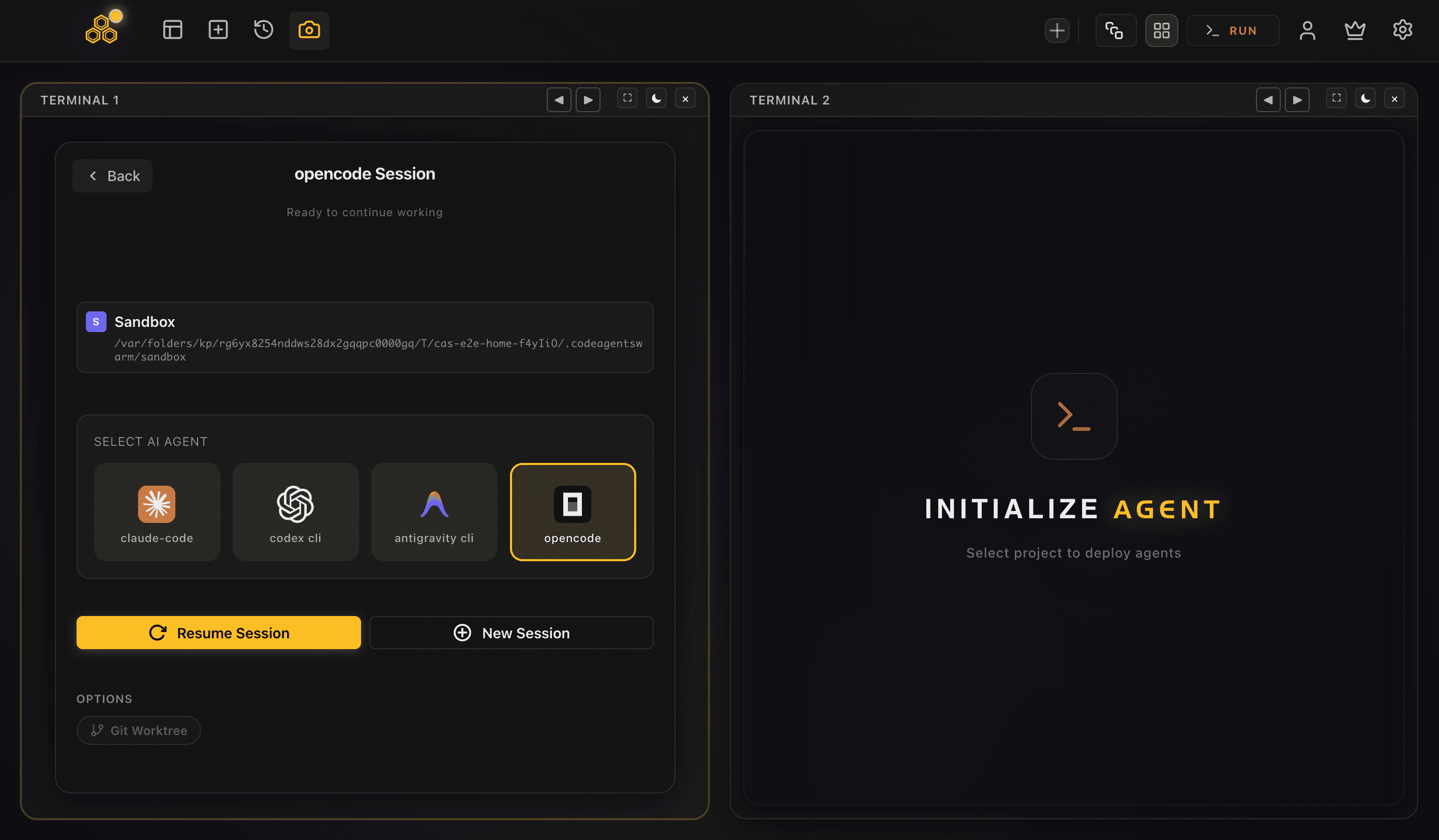
A swarm is N independent CLI processes. Open three terminals, run grok in each, give each a different task: that is already a swarm. Native subagents (--no-subagents to disable) are a different tool: the parent Grok Build session spawns children it owns. Both are useful; they solve different problems. See subagents vs agent swarm.
There is no separate xAI fee per parallel session. Each session draws from the same free or paid account limits, or from the same API budget.
Method 1: terminal tabs
Open several tabs, cd into the project, run grok in each.
# Tab 1
cd ~/my-project && grok "migrate the auth module"

# Tab 2
cd ~/my-project && grok "add integration tests for auth"

# Tab 3
cd ~/my-project && grok --continue- Pros: zero extra tools
- Cons: easy to miss a permission prompt; no shared history UI; painful past three or four sessions
Method 2: tmux
tmux keeps panes alive and lets you detach. Great for long migrations. Still a general multiplexer, not an agent supervisor.
tmux new-session -s grok
tmux split-window -h
tmux split-window -v
# run grok in each pane- Pros: detach/reattach, power-user friendly
- Cons: text-only density; no desktop notification when grok stops for input
Method 3: CodeAgentSwarm
CodeAgentSwarm is built for supervising AI CLIs. Pick Grok Build in each terminal's agent selector. You get a grid of terminals, desktop notifications, per-terminal live diffs, searchable history, and you can mix Grok Build with Claude Code or Codex in the same window.
For worktree isolation per agent, enable worktrees when opening terminals or start with grok --worktree=name. See also git worktrees for AI agents.
If you only need one Grok Build session with internal helpers, native subagents may be enough. If you need several human-visible workers (or multi-vendor), use a real multi-terminal swarm.
FAQ
Yes. Each grok process is independent. Use tabs, tmux, or CodeAgentSwarm to supervise them.
No. Subagents live inside one Grok session. A swarm is several top-level grok processes you supervise.
Yes. Select Grok Build per terminal like any other first-class agent.